 Television Watch
Understand the label
TV ratings,
with a little context.
Read the audience label. Look for the content notes. Then decide whether the programme fits your family.
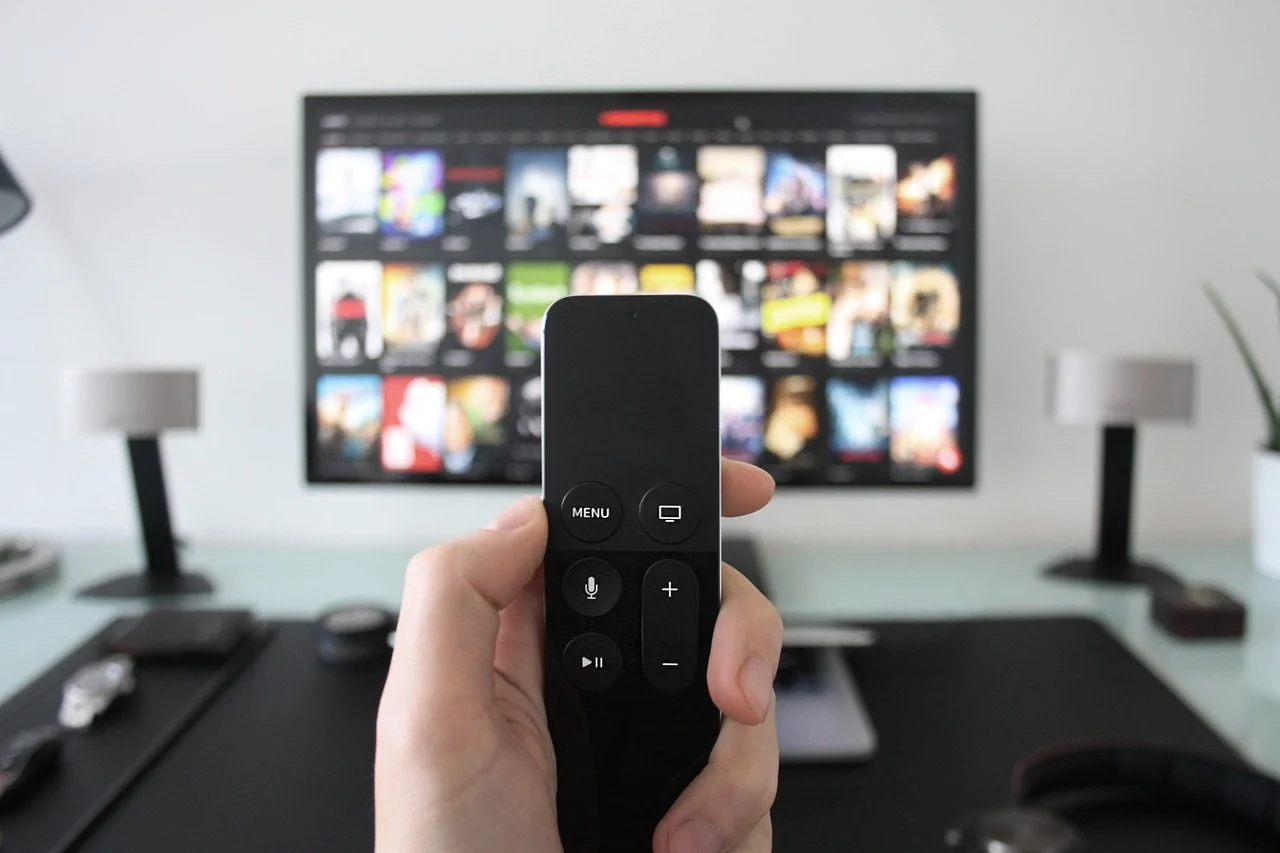
Start here
US television ratings combine an audience label with additional content notes where applicable. Read both, then consider the individual programme and the viewer.
The audience labels
These are US TV Parental Guidelines. Other countries and individual services may use different systems.
The letters add context
Look alongside the audience rating for content descriptors. Their absence is not a guarantee that a programme will suit every viewer.
- D
- Suggestive dialogue
- L
- Coarse or strong language
- S
- Sexual situations or content
- V
- Violence
- FV
- Fantasy violence in TV-Y7 programming; TV-Y7-FV signals more intense fantasy violence.
Use the rating alongside the description
Check the specific episode or version you will play. Ratings can vary between episodes and between edited versions. Look at the content description, and preview anything that raises a concern for your family.
Film ratings such as PG-13 and R belong to a separate system. Do not assume that a movie label and a TV label mean exactly the same thing.
What a rating doesn’t tell you
A rating does not describe every theme, emotional moment, or individual sensitivity. News and sports generally do not carry these guidelines. A familiar-looking programme can still prompt an unexpected conversation.
Once you know the rating you want to allow, visit our parental controls overview to think through how restrictions apply across apps and devices.
Go to the source
Further information
- TV Parental Guidelines: how ratings are used
- TV Parental Guidelines: questions and content descriptors
Third-party websites have their own terms and privacy practices.